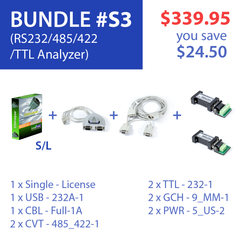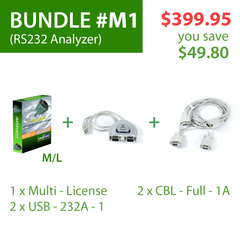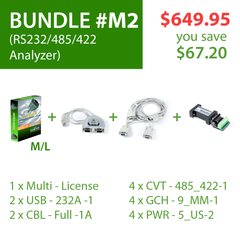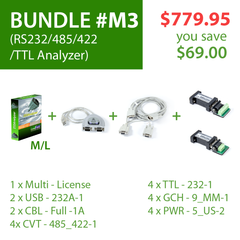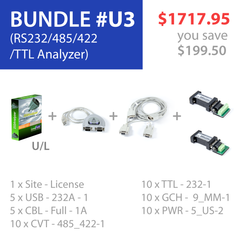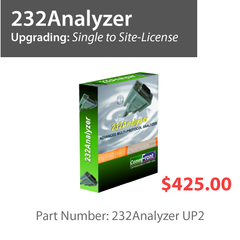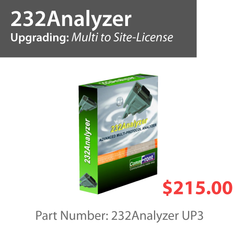

Advanced Serial Protocol Analyzer

Most data networks are complicated, not just the hardware and network issues, but also the high-level protocols that devices use to communicate; and to make things even more complicated, many manufacturers have incorporated proprietary protocols for their devices. Integrating different devices and protocols within a data network is always the most challenging task for system integrators, firmware / software developers, and site engineers. From the simplest loopback test to complicated checksum calculation and sophisticated firmware and GUI software development, the 232Analyzer is designed to tackle all these challenges.
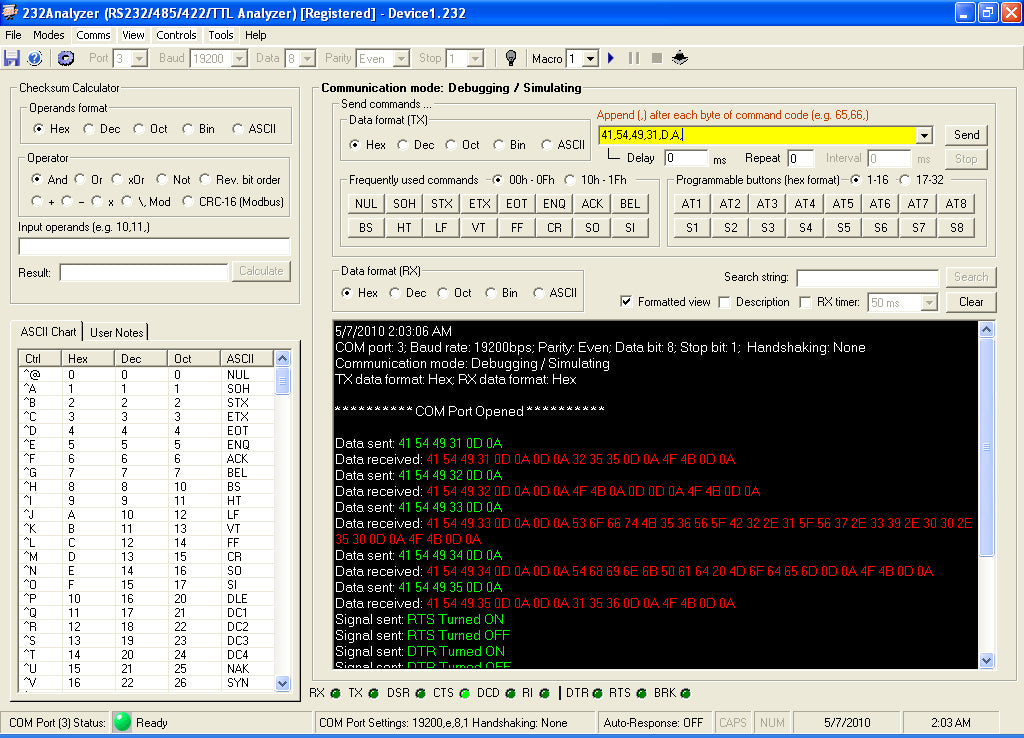
The 232Analyzer is an award-winning, easy-to-use, advanced RS232 / RS485 / RS422 / TTL / CMOS analyzer software that allows users to control, monitor, and analyze serial port activities in any data format (ASCII, hexadecimal, decimal, octal, or binary), and it comes with powerful features including Programmable Buttons, Automated Responses and Macros. The 232Analyzer supports all major Windows Operating Systems including Windows 10, 8, 7, Vista, and XP, both 32 and 64 bits. The FREE Limited Version has no time limitation, so feel free to use or distribute it.
Benefits of Software Analyzers
- Because of their nature, software analyzers are generally more user-friendly than hardware analyzers.
- Software analyzers come with many more useful and powerful features than hardware analyzers do.
- Software analyzers are more cost-effective and convenient. The company licenses can be installed on multiple computers and travel from one place to another, requiring no additional expensive devices.
- Activation of software analyzers is fast and easy and does not require frustrating product waiting time.
- The 232Analyzer is the best protocol analyzer of its type; it has been proven by tens of thousands of satisfied customers worldwide, including Boeing, Honeywell, Johnson Controls, NASA, Siemens, and many other market leaders.
Licenses
Limited License: No time limitation - FREE
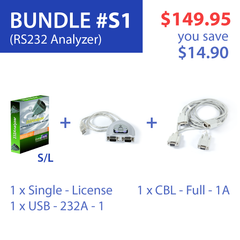
Single-Computer-License:
The software may be installed on a single computer, license is not transferrable from one computer to another.
Company-Multi-License (5-License Pack):
The software may be installed on up to 5 computers within your organization at the same physical location, license is freely transferrable from one computer to another.
Company-Unlimited-Site-License:
The software may be installed on any number of computers within your organization at the same physical location, license is freely transferrable from one computer to another.
Features
- Two communication modes: Debugging / Simulating and Monitoring (Half- or Full-Duplex)
- Send / Receive data in all formats: Hexadecimal, Decimal, Octal, Binary, and ASCII
- Timestamps in Monitoring mode
- Send / Receive signals: RTS, DTR, CTS, DSR, DCD and RI
- Customizable Color-coded Communication Logging Window
- COM 1 to 16
- Frequently Used Keys: 00h to 1Fh (a total of 32 numbers)
- Programmable Buttons: send command strings, signals or data sequence with the click of a single button (a total of 32 numbers)
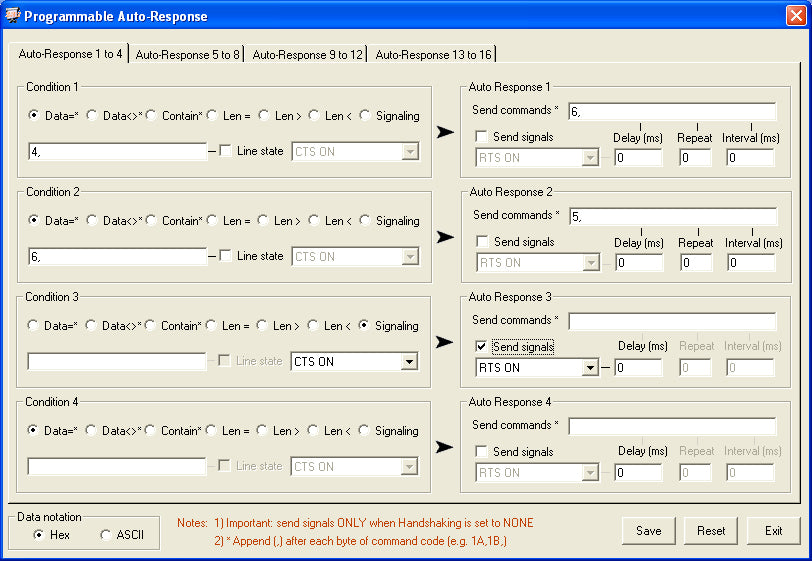
- Programmable Auto-Response: Upon receiving certain data or signal, program automatically send out data, and/or signals (a total of 16 numbers)
- Programmable Macros: send sets of data / signals, response to different types of incoming data / signals with timer and sequence (a total of 8 x 8 Steps, and 8 x 8 Sub-routines)
- Virtual LEDs: View RS-232 line state, control RTS and DTR, Break communication if necessary
- Data Logging: All communications are logged and can be saved into .txt, .doc or .rtf file for future analysis
- Checksum Calculator: Logic, Math and CRC calculation
- Notation Converter: Convert data from one notation to another
- ASCII chart: All 256 ASCII code in different formats
- User Notes: User notes can be input
- Device Profile: Settings for different devices can be saved individually
- Flexible screen adjustment
- User preferences settings: General, Startup Actions, Exit Actions, etc.
Comparison
| Software Features | FREE Version | Registered Version |
|---|---|---|
| Timestamps (Monitoring Mode) | No | Yes |
| Available Data Formats | Dec, Oct, Bin and ASCII | Hex, Dec, Oct, Bin and ASCII |
| Monitoring Mode | No | Yes |
| Programmable Buttons | No | Yes |
| Programmable Auto-Response | No | Yes |
| Programmable Macros | No | Yes |
| New / Save Device Profile | No | Yes |
| Open Device Profile | Yes | Yes |
| Open / Save Log File | No | Yes |
| User Notes | Yes | Yes |
| Checksum Calculator | Yes | Yes |
| Notation Converter | Yes | Yes |
| Options | Yes | Yes |
Applications
 |
 |
 |
|
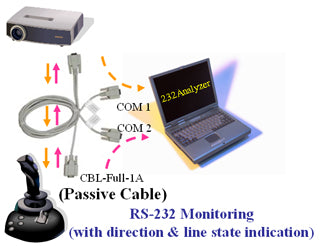
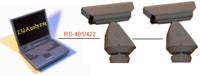
Serial Port Monitor Monitor 3-wire RS232 / TTL (CMOS), 2-wire RS485, and 4-wire RS485 / RS422 communications with timestamps and direction indication. More info » |
Serial Port Terminal Control / debug RS232 / RS485 / RS422 / TTL (CMOS) devices with programmable buttons, auto-response and macros. More info » |
Real-world example How to use 232Analyzer software to control or test serial devices: Pelco D/P protocol examples / tutorial. More info » |
Screenshots
 |
 |
 |
 |
 |
 |
 |
 |
 |
 |
Demo
 |
 |
 |
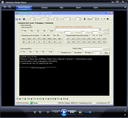 |
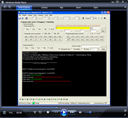
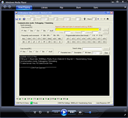
| Programmable Buttons (1) | Programmable Buttons (2) | Auto-Response | Macros |
 |
 |
 |
 |
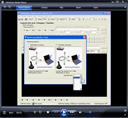
| Half-duplex | Full-duplex | Send ASCII | Send Hex |
 |
 |
 |
 |
| Open Port | Screen Adjustment | Send Signals | Check COM Port |
Awards